HavenCraft Guides Hub
Settlement tutorials from first shelter to automated logistics.
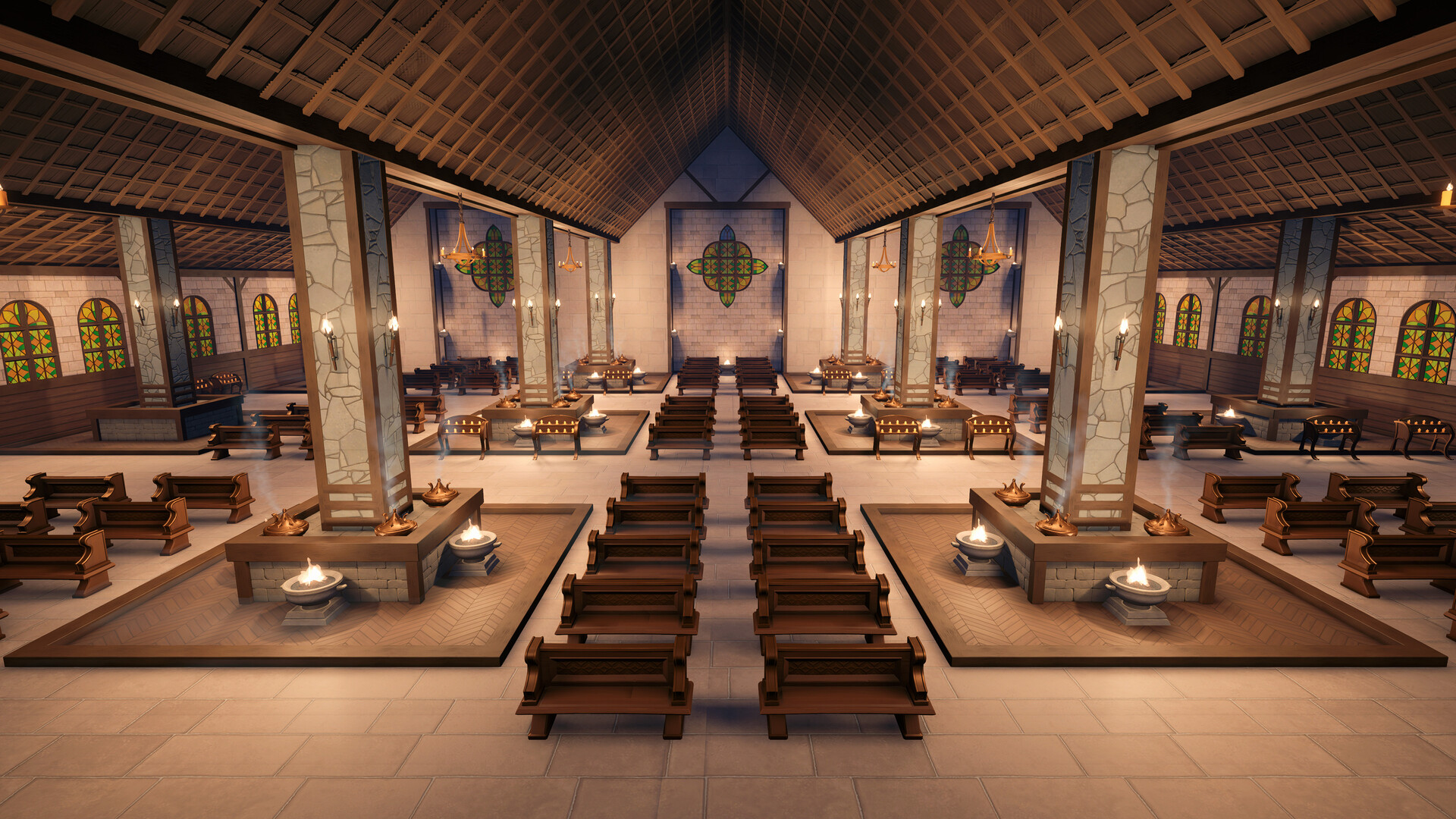
Welcome to the HavenCraft Guides Hub. This is the map for every walkthrough on the wiki: first-hour survival, sandbox building, villager happiness, research progression, temple public services, packling logistics, seasonal farming, and friend co-op. HavenCraft rewards players who treat the town as a living system — food, beds, jobs, tech, and transport all matter — so each guide below focuses on a pain point players hit in the Steam Demo and upcoming Early Access.
Start here
If you just launched the demo, begin with Getting Started. It covers shelter, food, beds, plot signs, and the research loop so travelers stay and work instead of walking away. Once the first houses stand, move to the Building System guide for drag-build roofs, dedicated stockpiles, and plot upgrades.
Core systems
- Villagers & Happiness — jobs, beds, food variety, taverns, temples, and why people leave.
- Research & Tech — research tables, wood/stone supply, parallel queues, and demo vs Early Access trees.
- Packlings & Skylings — station-to-station robots and flying deliveries that free you to design.
- Farming & Seasons — fields, bakeries, winter stockpiles, and seasonal atmosphere changes.
- Temple — midgame public-service plot, temple keepers, furniture upgrades, and plaza layout.
- Multiplayer — inviting friends to one shared settlement without treating it like a public server.
How to use this hub
Each guide targets a real search intent: how to build faster, how to keep villagers happy, how to push research without stalling, how to staff a temple, how to automate wood and stone, how to survive winter, and how to play with friends. Cross-links inside every article point to sibling pages so you can jump between systems without hunting the nav. For patch notes and launch timing, visit the Updates Hub. For keybinds and PC specs, open the Tools Hub.
Demo vs Early Access
The free Steam Demo ships Alpha 6 content: smarter roofs, temple plots, tutorials, and full translations into several languages. Early Access (listed for December 9, 2026 on Steam) expands the tech tree, cookhouse food chains, doors, and polish — see EA Farming & Food. Guides here call out demo-safe advice first, then note where the full tree may grow. Always confirm launch discounts and store pages through official Dionic Software channels linked from Links.
Suggested reading order
- Getting Started
- Building System
- Villagers & Happiness
- Research & Tech
- Packlings & Skylings
- Farming & Seasons
- Temple
- Multiplayer
Bookmark this hub, then dive deep. HavenCraft is at its best when your streets are busy, your stockpiles are labeled, your research tables stay fed, and your packlings keep the forges fed while you place the next rooftop.
Search intents we cover
Players arrive asking how to get wood flowing, how to play the first hour, how to find missing happiness causes, how to protect winter food, how to complete research gates, how to unlock and staff the temple, and how to beat logistics bottlenecks without sprinting across the island. Each guide answers those intents with checklists, failure modes, and links to sibling systems so you never strand on a single page.
Quality bar
We prefer sourced facts from Steam news, the official FAQ, and developer media kits over rumor. When Alpha hotfixes change packling rules, research UI, or roof tools, update notes land first on the Updates Hub and Demo Patch Notes, then cascade into the matching guide. If a tip is demo-specific, we say so. If Early Access may deepen a tree, we say that too.
Use this hub as your table of contents every session: skim the list, open one deep page, apply it in-game, then return for the next bottleneck.
Frequently Asked Questions
Quick answers to the most common questions.
Which HavenCraft guide should I read first?
Start with Getting Started, then Building System and Villagers & Happiness.
Do these guides work for the Steam Demo?
Yes. Advice is written against Alpha 6 / demo systems and notes where Early Access may expand the tech tree.
Where are controls and system requirements?
See the Controls and System Requirements pages under Tools.